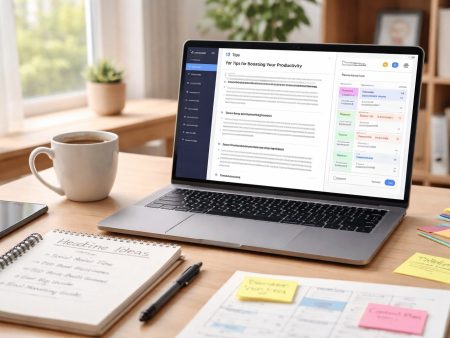
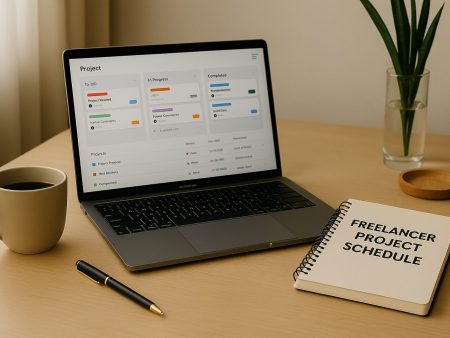
Running a small business gets difficult fast when projects are spread across messages, notebooks, spreadsheets, and random files. At first it feels manageable, but as soon as you have more clients, more team members, or more tasks, things start slipping. Deadlines get missed because nobody is fully sure what the next step is. Important details are buried inside chat threads. Work gets repeated because two people assume they own the same task. As a result, small mistakes turn into lost time, unhappy customers, and extra stress for everyone.
That is exactly why project management software for small businesses matters more in 2026 than ever. Instead of chasing updates, you get one clear system where every project has a plan, every task has an owner, and every deadline is visible. In other words, you replace confusion with structure. You also create a smoother workflow because your team can see what is in progress, what is waiting, and what is already done. Most importantly, you stop relying on memory and start relying on a process that works every day.
However, picking the right tool is not only about features. It is also about simplicity and daily use. Even though many platforms look similar, the best option is the one your team will actually open and update without feeling forced. For example, some teams want a simple board view for quick tracking, while others need a timeline view to plan bigger projects. Because of that, this guide focuses on practical choices, not complicated features that you may never use.
What small businesses should look for in 2026
Most small teams do not need complex systems. They need clarity, speed, and a setup that does not take weeks. When you compare project management software for small businesses, focus on these points. Ease of use matters more than features. If the tool feels heavy, your team will avoid it. A clean task list, simple boards, and clear due dates usually win. Views help you manage different work styles. Some teams like boards, some like lists, and some need a timeline view. A tool that offers more than one view can fit more people without friction.
Collaboration should feel natural. Comments on tasks, file sharing, and simple mentions reduce long message threads and missed details. Automation saves time when it is simple. A few basic rules can reduce repeated work, like moving a task when a status changes or reminding someone before a deadline. Integrations reduce tool switching. If your team uses Google Workspace, Microsoft 365, Slack, or Zoom, you will want the project tool to connect so updates flow into the right places.
Pricing must match how your team grows. Some tools charge per user and scale well for small teams. Others use a flat fee that can make sense when your team is larger.
Best overall for most small teams: Asana
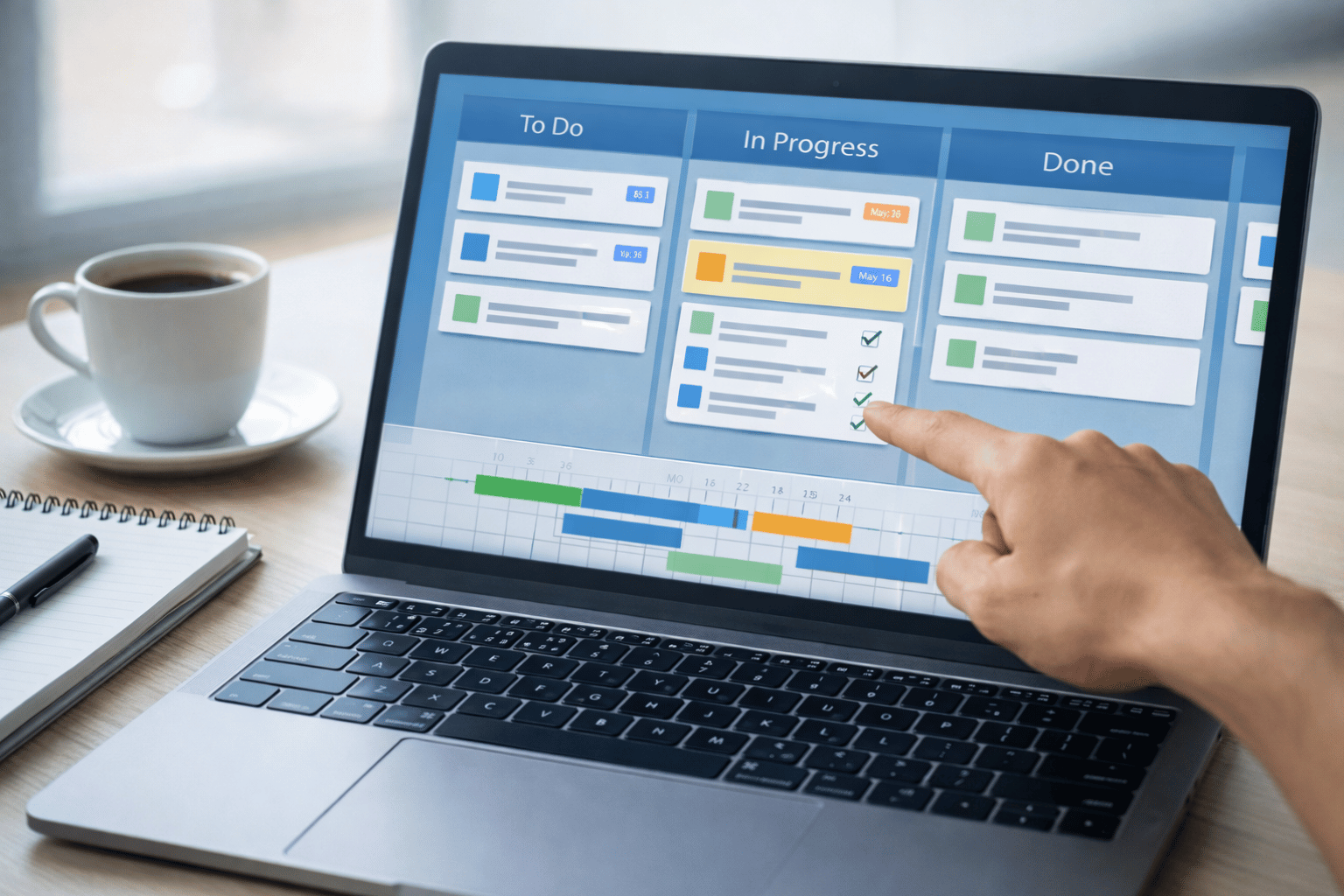
Asana is a strong choice when you want clear task ownership, good structure, and easy reporting. It works well for marketing teams, operations, agencies, and founders managing many moving parts. It also supports timeline planning, which is helpful when you need deadlines and dependencies.
Asana offers a free Personal plan, with paid tiers starting at a per user monthly price depending on billing. If you expect your team to grow, Asana is easy to scale because the system stays organized as projects increase.
Choose Asana if you want a clean system for tasks and projects, and you want visibility across the whole business without heavy setup.
Best for fast setup and flexible workflows: ClickUp
ClickUp is known for flexibility. It can handle simple task tracking, but it can also support documents, dashboards, and many task views. For small businesses that run different types of work, like content, client delivery, and internal operations, this can be useful.
ClickUp has a Free Forever plan that supports core use for small teams, including task management and collaboration basics.
Choose ClickUp if you want one tool that can adapt to many workflows and you want more control over views and structure.
Best for visual planning and simple teamwork: Trello
Trello is a good fit when you want a simple board system that almost anyone can understand in minutes. It is popular for content calendars, basic operations, and small team planning. Cards move across columns, and the flow is easy to see.
Trello includes a free plan that supports key features like cards and boards within workspace limits, which is often enough for early stage teams.
Choose Trello if your team likes a visual board style and you want a low learning curve.
Best for teams that want dashboards and structured work: monday.com
monday.com works well for small businesses that want structured tracking and dashboards. It is useful for client work, operations, and teams that want to see progress in a clear table like format while still having automation and templates.
monday.com has a free tier for up to two seats, and paid plans that expand capacity and features as your team grows.
Choose monday.com if you want a strong template library, clear dashboards, and a system that helps you standardize how work moves.
Best for cost predictability on larger small teams: Basecamp
Basecamp is built around simple communication and steady project organization. Its pricing stands out because it offers an all inclusive flat monthly price for the organization on an annual billing option. This can be attractive if you have many users and you want stable costs without per user pricing.
Choose Basecamp if you want straightforward project spaces, simple communication, and predictable costs when many people need access.
Best for service businesses that track time and budgets: Teamwork.com

If your small business delivers client work, time tracking and budgets can matter as much as tasks. Teamwork.com focuses on client service workflows, and it includes tools that help you manage billable time, project costs, and capacity.
Teamwork.com offers a free plan to start, and it positions its platform for client work with built in support for time and cost tracking.
Choose Teamwork.com if you run an agency, consulting firm, or service team and you need stronger control over time, budgets, and client delivery.
Best budget friendly option with strong planning features: Zoho Projects
Zoho Projects is a solid pick when you want strong planning features at a lower cost, especially if you already use Zoho apps. It supports core project management needs like tasks, time tracking, and structured project planning.
Zoho Projects offers a free plan designed for small teams and also provides paid plans with advanced features.
Choose Zoho Projects if you want value pricing, practical planning features, and you like the Zoho ecosystem.
How to choose the right tool for your business
The best project management software for small businesses is not the tool with the most features. It is the tool that fits how your team works and keeps work visible without extra effort. Use this simple approach.
Start with your main problem. If missed deadlines are the issue, choose a tool with strong timeline and due date controls. If confusion is the issue, choose a tool with simple task ownership and clear status tracking. If client delivery is the issue, choose a tool that supports time tracking and budgets. Match the tool to your team size and style. A team of two may prefer Trello or a light ClickUp setup. A team of ten that runs many projects may prefer Asana or monday.com for structure. A service business may lean toward Teamwork.com for client work control.
Check the free plan limits before you commit. Many platforms have free tiers, but limits vary, such as number of users, boards, storage, or advanced views. Confirm that the free tier supports your real use, not just a test.
Test with a real project. Do not test with a fake sample. Pick one active project and run it for one week. Track how often your team updates tasks and how often they ask questions that the tool should answer. If the tool reduces those questions, it is working.
Setup tips to get results fast

Even great project management software for small businesses fails if setup is messy. Keep it simple.
Use one workspace with clear project names. Create projects that match how you talk about work, like Client Onboarding, Content Production, Weekly Operations, and Product Updates.
Keep statuses basic. Use simple stages like To do, In progress, Review, Done. Too many statuses create confusion.
Assign one owner per task. Shared ownership often becomes no ownership. If more people are involved, add them as followers or collaborators, but keep one clear owner.
Add due dates only when they matter. Too many due dates reduce trust in the system. Use due dates for tasks that truly impact delivery or cash flow.
Review projects on a schedule. A short weekly review keeps work clean. This is where you close completed tasks, adjust priorities, and confirm next steps.
Common mistakes small businesses should avoid
One common mistake is choosing a tool that is too complex. If your team spends more time managing the tool than doing work, the tool is wrong.
Another mistake is using multiple tools for the same job. If tasks live in one place and discussions live somewhere else with no connection, work will drift. Pick one main system for tasks, then connect your other tools through integrations if needed.
A third mistake is not defining simple rules. Decide where new tasks go, how to name projects, and how to mark work complete. These small rules make the system reliable.
Quick recommendations based on your use case
If you want a structured system that scales with your team, Asana is a strong starting point.
If you want flexibility and many views, ClickUp is a good fit for mixed workflows.
If you want the simplest visual planning, Trello is often the fastest to adopt.
If you want templates, dashboards, and structured tracking, monday.com is a strong option.
If you want flat predictable pricing when many users need access, Basecamp can make sense.
If you deliver client work and need time and budget control, Teamwork.com is built for that.
If you want strong value pricing with practical planning features, Zoho Projects is worth a look.
In 2026, the best project management software for small businesses is the one that removes confusion and helps your team deliver work with less stress. Start with your main problem, pick a tool that fits your team, and test it on a real project. Keep the setup simple, build small habits like weekly reviews, and you will see results quickly. If you tell me your business type and team size, I can recommend the best one from this list and also write a short comparison section tailored to your exact needs.