Best Project Management Software for Freelancers in 2025
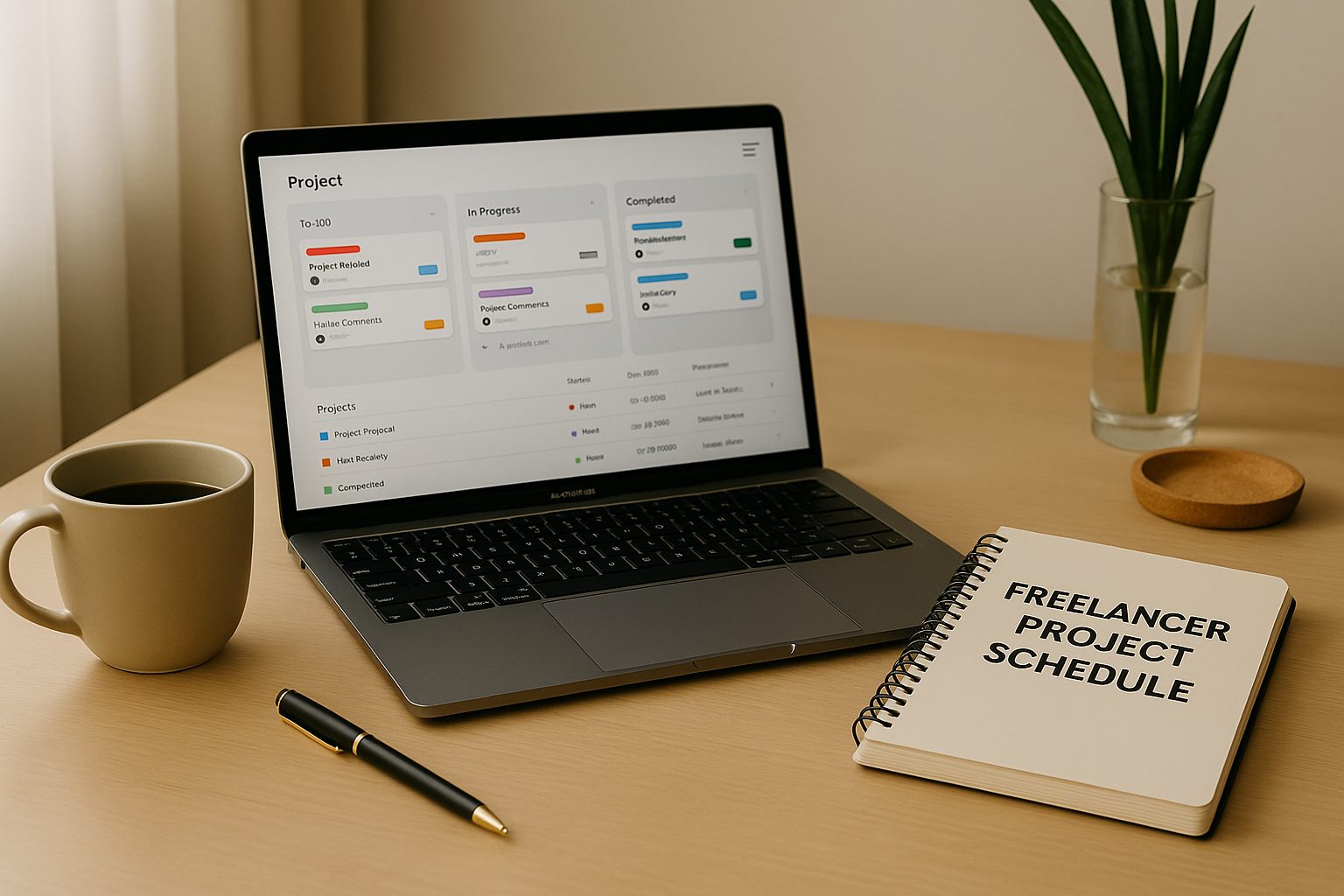
Freelancers rely on structure, clarity, and timing. When you work alone, you handle every part of a project. You communicate with clients, manage deadlines, track tasks, send invoices, deliver work, and sometimes even fix problems that were never supposed to happen. A strong project management tool protects your time and keeps your work predictable. The right software can turn a chaotic workflow into a steady routine that helps you stay focused and deliver with confidence. As more freelancers enter the market, new tools have been designed specifically to support flexible work and solo professionals. This guide covers the best project management software for freelancers in 2025 and explains how each tool helps you stay organized throughout your day.
Why Freelancers Need Project Management Software
Freelancers often juggle several clients at once. Without a system, updates live in email threads, tasks are written on random notes, and deadlines get difficult to track. A project management tool creates a central place where you can plan your work, track progress, communicate with clients, and maintain a steady workflow. It also helps you avoid delays, missed messages, or forgotten tasks. These tools are designed to give you control over your time so you can work smarter instead of working longer hours.
What Makes a Tool Great for Freelancers in 2025
The best software for freelancers offers more than basic task lists. In 2025, freelancers need features that focus on clarity, simplicity, and automation. Look for tools that include task planning, time tracking, file storage, client sharing, simple communication features, and mobile access. A good tool should support the way you work without adding complexity. It must be easy to learn, flexible for different types of projects, and affordable for long term use.
Below are the top tools that stand out for freelancers this year.
for more information: https://www.ideatosoftware.com/
Notion – The All-in-One Workspace
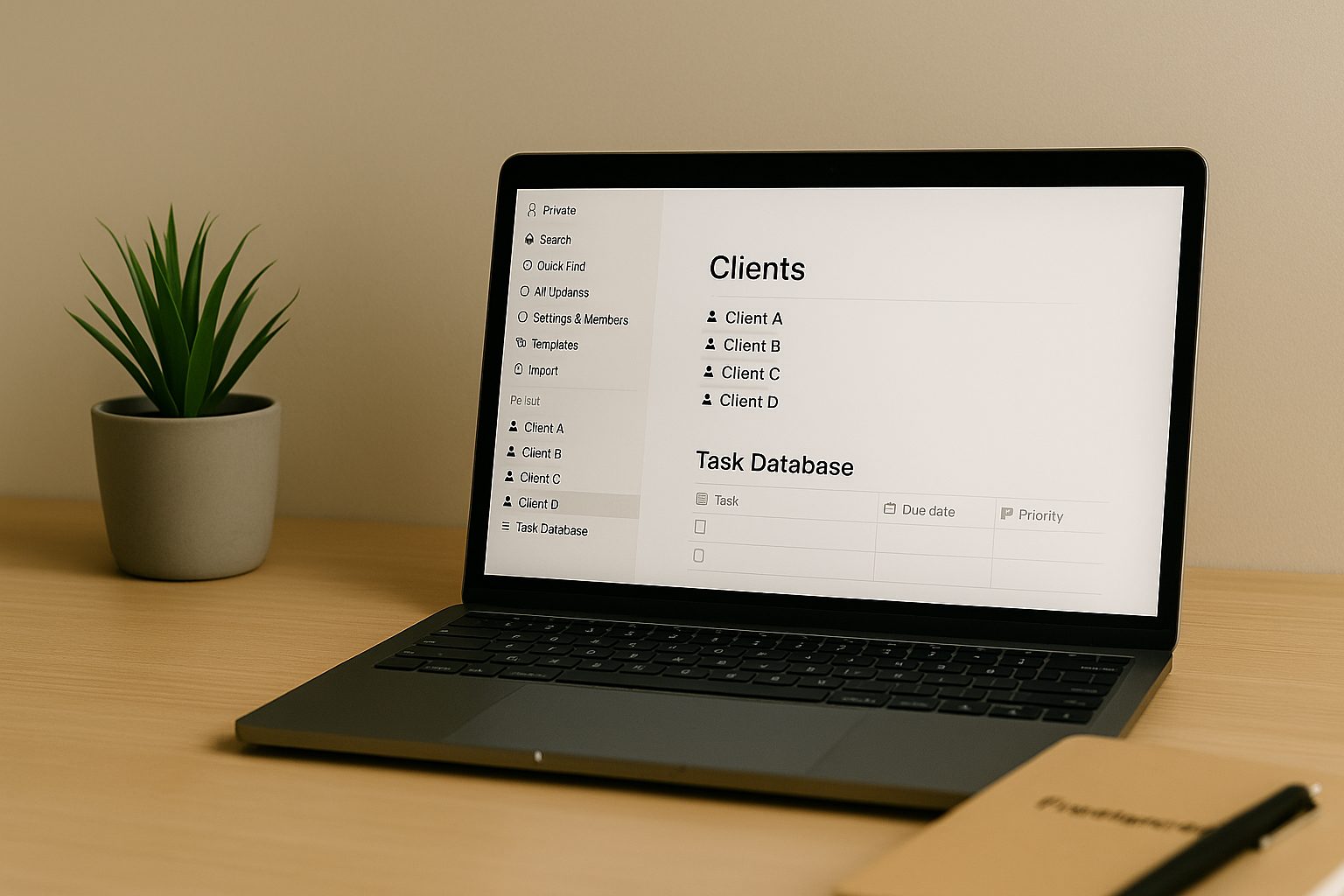
Notion remains one of the most flexible project management tools available for freelancers. This software lets you build your own system instead of forcing you into one. You can create pages for clients, tasks, deadlines, content calendars, and even invoices. Templates make the setup easy, and you can personalize each page based on the type of work you do.
The strength of Notion is its ability to combine notes, tasks, databases, and files in one clean space. Freelancers who deal with multiple clients appreciate how easily they can switch between projects without confusion. You can also share pages with clients so they can follow progress without constant messaging. The mobile app is simple and helps you work from anywhere. For freelancers who want maximum freedom, Notion is one of the best project management software options in 2025.
Trello – Visual Task Management for Creative Freelancers
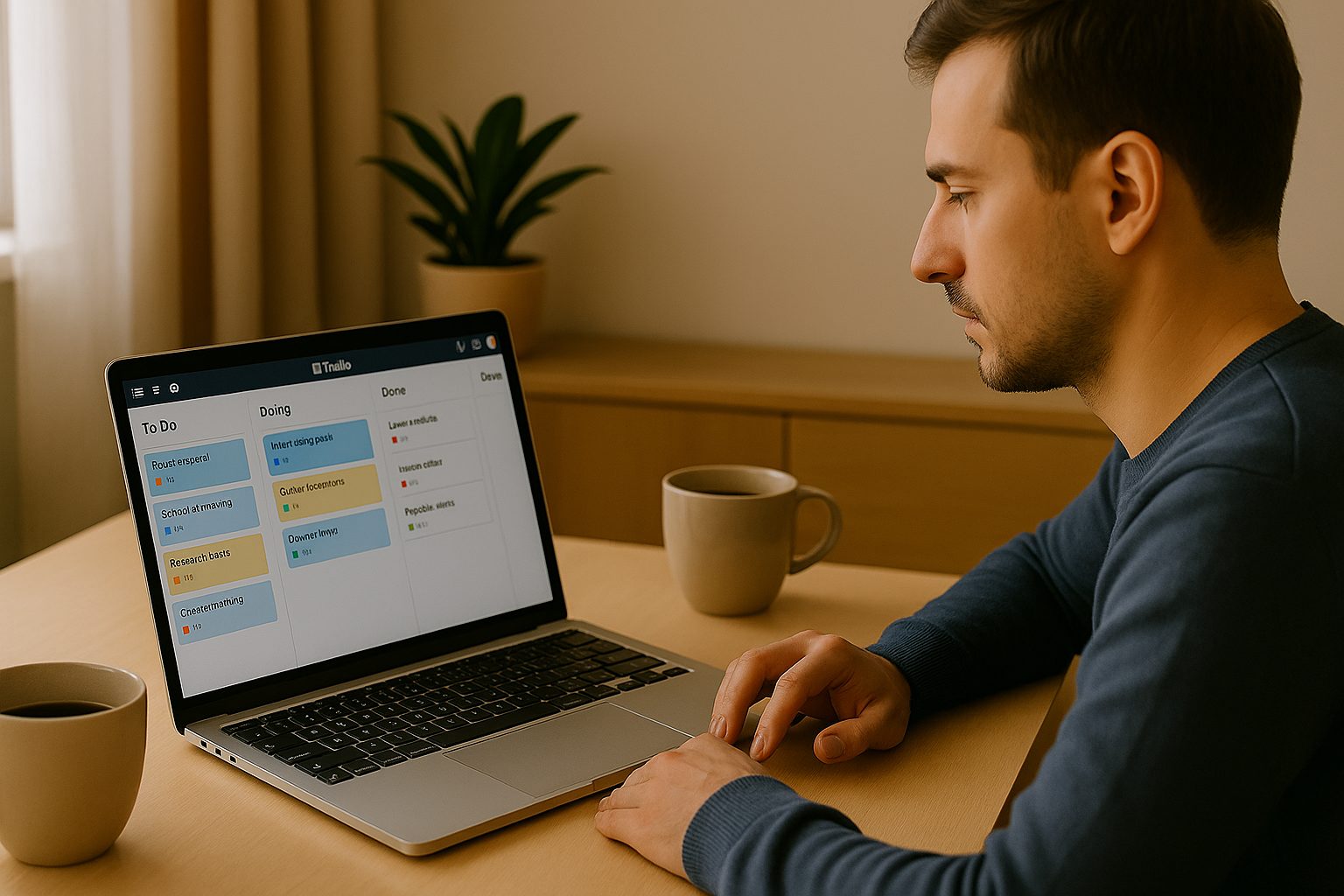
Trello is perfect for freelancers who prefer a simple, visual style. Its board system uses cards and lists to create a clear view of your tasks. You can drag items from idea to in progress and then to completed. This approach gives you a quick snapshot of your entire workflow.
Trello works especially well for designers, writers, and content creators who organize work in stages. You can attach files, add checklists, create labels, and set deadlines. The automation feature called Butler helps you move tasks automatically based on your rules. Trello is fast to learn, easy to use, and ideal for freelancers who want a lightweight system that keeps them focused.
ClickUp – The Most Complete Feature Set for Freelancers
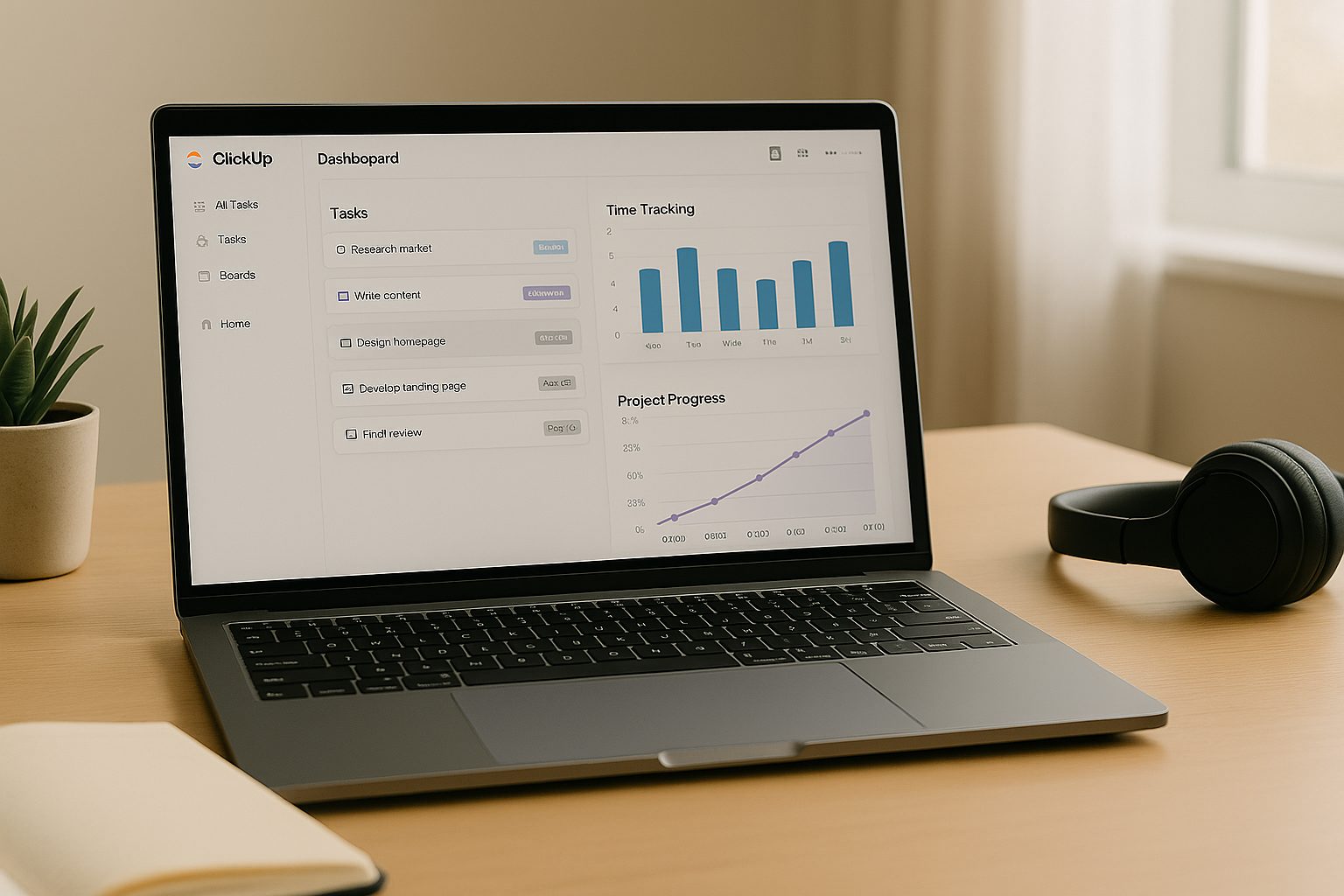
ClickUp continues to expand and is one of the strongest tools for solo professionals who need everything in one place. It includes task tracking, time tracking, documents, reminders, dashboards, and automation. You can organize your work by client, create separate spaces for each project, and build detailed workflows that match your process.
One of the best features for freelancers is the built-in time tracker. You can start a timer inside any task and export it for billing. ClickUp’s dashboards show your productivity, workload, and project progress in a clean visual format. If you manage several complex projects at once, ClickUp gives you all the structure you need.
Asana – One of the Best Project Management Software Options for Freelancers in 2025
Asana is one of the best project management software choices for freelancers who collaborate with clients regularly. The design is clean and easy for clients to understand. You can create lists, boards, and timelines to keep your work organized. Asana also includes strong deadline reminders and an intuitive system for task assignments.
Clients can join projects without getting access to anything else in your workspace. This makes Asana ideal for freelancers who deliver regular updates or work in teams. The timeline view is helpful for visualizing long projects and seeing how all tasks connect. Asana helps you stay ahead of deadlines without needing to check your email constantly.
for more info visit : https://www.ideatosoftware.com/
Monday.com – A Flexible Project Management Tool for Freelancers in 2025
Monday.com offers a bright and visual interface that is both organized and customizable. First, you can build your own workflow using boards, colors, and simple automation. This makes it easier to shape the system around your style of work. Next, it becomes a strong option for freelancers who expect their workload to grow, because it scales smoothly as your client list increases.
In addition, the platform includes time tracking, task scheduling, file sharing, and automation that reduces repetitive work. It also integrates with tools such as Slack, Google Calendar, and Gmail, which helps you keep everything connected in one place. As a result, communication becomes smoother when you are managing multiple clients. Finally, freelancers who prefer a colorful and customizable workspace will find Monday.com a strong choice for 2025.
Todoist – Simple Task Management for Solo Freelancers
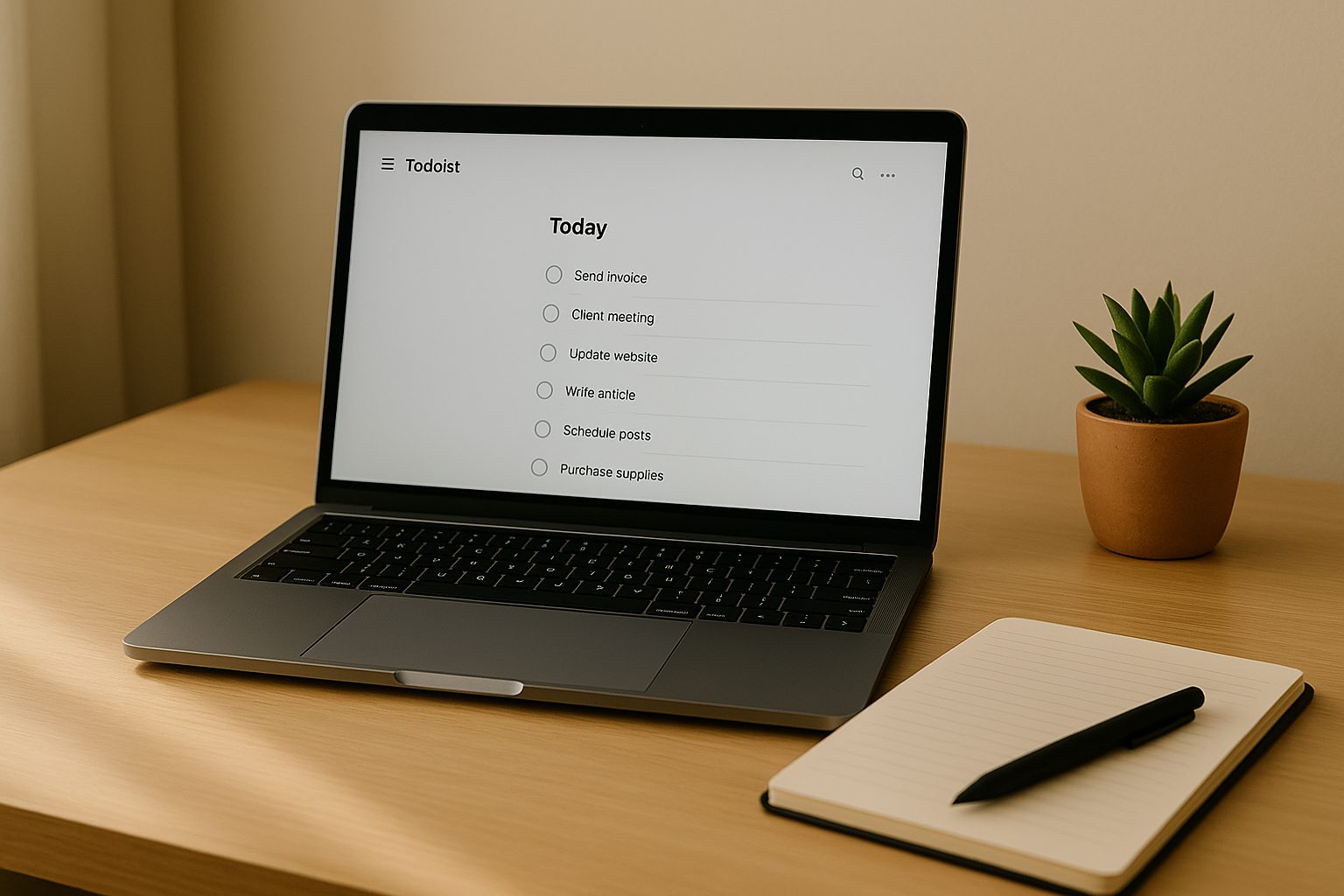
Todoist is not the most advanced project management tool, but it is perfect for freelancers who want simplicity. The interface focuses on tasks and deadlines without extra features. You can organize your work by project, add labels, schedule due dates, and set priority levels.
It syncs across all devices and keeps your task list clean and manageable. Todoist works especially well for writers, coaches, consultants, and service-based freelancers who do not need complex tools. If you want a minimal approach to staying organized, Todoist is one of the best choices.
Basecamp – Communication-Focused Project Management Software for Freelancers
Basecamp is great for freelancers who communicate with clients daily. To start, it combines message boards, file uploads, scheduling, and task lists. As a result, the interface keeps everything organized in one space, so you do not have to dig through long email chains to find important details. Furthermore, this structure helps you respond faster and maintain clear communication.
Clients appreciate Basecamp because they can join the project and see updates without confusion. They also benefit from the transparent layout, which reduces unnecessary questions or follow-ups. You can also set daily reminders that help you stay on schedule and avoid delays. Because of this, your workflow becomes smoother and more predictable.
Which Tool Should You Choose?
The best project management software for freelancers in 2025 depends on your style of work. If you want complete control and customization, choose Notion. If you need a visual workflow, Trello is ideal. For advanced features, ClickUp gives you the most flexibility. Asana and Monday.com are great for client collaboration. Todoist helps you stay simple and focused. Basecamp keeps communication smooth and organized.
Your choice should match your projects, your clients, and your preferred workflow. With the right tool, you can manage your tasks easily, stay organized, and deliver better results with less stress.
Freelancers thrive when they have structure, clarity, and a predictable workflow. The tools listed above provide exactly that. Each one helps you plan your work, communicate clearly, and deliver consistently. The best project management software for freelancers in 2025 is the tool that supports your routine and simplifies your day. Try one or two options and choose the one that feels natural. With a strong system, you can stay focused and grow confidently throughout the year.